
Let’s be real—your website is the first place people go to get a feel for your business. It’s your digital handshake, your 24/7 storefront, and often the deciding factor in whether someone chooses to work with you or clicks away. That’s why it’s so important to make sure your site is working for you, not against you.
If you’ve ever wondered whether a different headline, button color, or layout might work better, you’re not alone. That’s where split testing (or A/B testing, if you’ve heard that term) comes in. It’s one of the smartest, easiest ways to figure out what’s working—and what needs a little tweak.
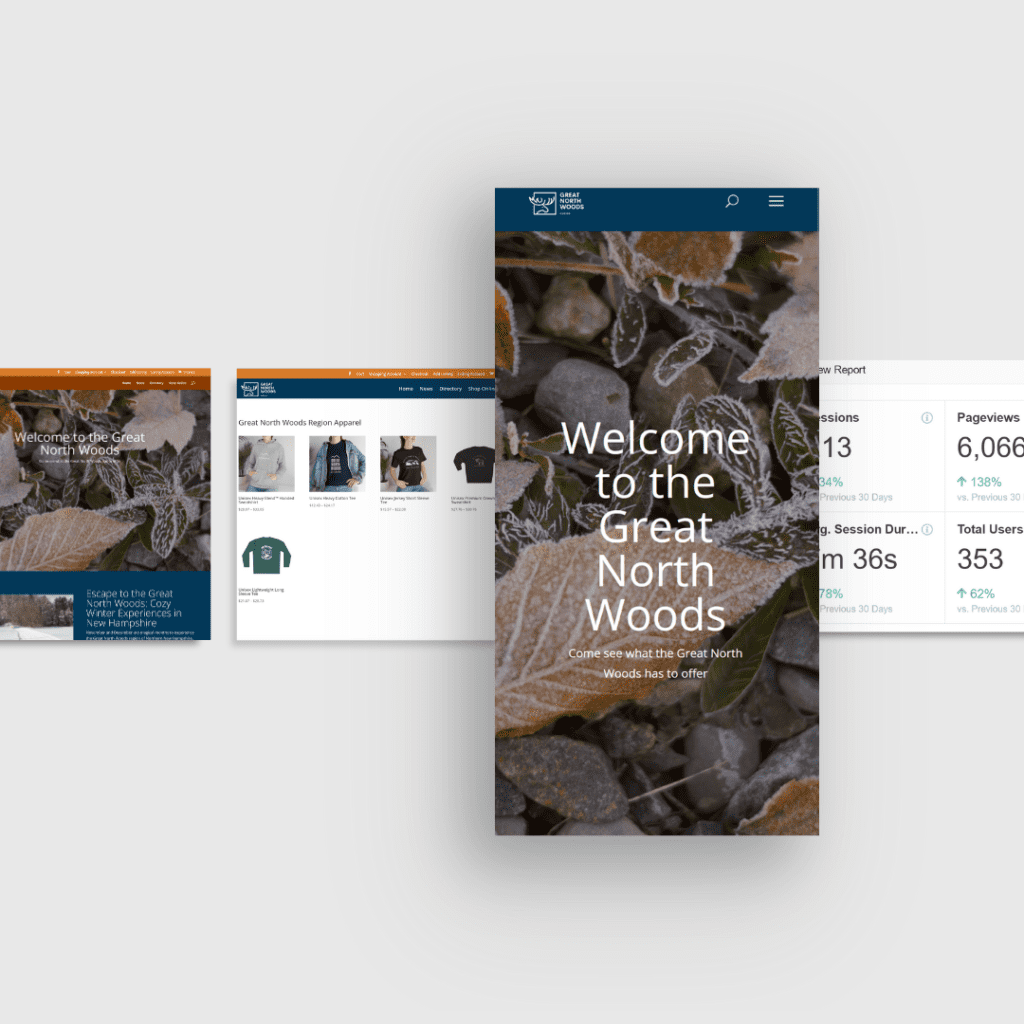
So, What Is Split Testing?
Think of split testing like trying on two outfits and seeing which one gets more compliments. You create two versions of a page—maybe one has a red “Buy Now” button and the other has a green one—and then see which one gets more clicks, sign-ups, or sales. Everything else stays the same, so you know it’s that one little change making the difference.
It’s not about guessing or going with your gut—it’s about watching how real people respond and letting that guide your decisions.
Why Bother with Split Testing?
You might be thinking, “My website looks fine, why change anything?” But even a good site can always be better. Split testing helps you get there.
It lets you make choices based on actual user behavior, not just your instincts. And since websites aren’t one-and-done projects, it’s helpful to have a way to continuously improve how things work and look.
Better user experiences lead to better results. Maybe that means more sales, more sign-ups, or more people sticking around to see what you're all about.
How to Get Started
The first step is knowing what you want to improve. Are you trying to get more newsletter subscribers? More people clicking “Contact Us”? Once you know that, you can start testing the parts of your site that lead to those actions.
There are tools that make this easy—Google Optimize, Optimizely, or even features built into platforms like WordPress. Choose a tool that fits your setup, and pick one thing to test. Maybe it’s your headline, a button, or even the layout of a section.
From there, you create two versions—Version A and Version B—send visitors to both, and see which one performs better. Give it some time so the results are meaningful, then go with the version that works best.
What Can You Test?
Pretty much anything. Headlines, call-to-action buttons, photos, product descriptions, pricing displays—even the way your forms are set up. Sometimes the smallest change, like tweaking a few words or moving a button, can make a noticeable difference in how people interact with your site.
Keep Testing, Keep Improving
Split testing isn’t a one-time thing. The more you test, the more you learn—and the better your website becomes. Think of it as part of your ongoing website care routine, like giving it a regular tune-up.
Over time, all those little improvements can add up to something really powerful: a website that not only looks good but actually gets results.
Final Thoughts
Your website doesn’t have to be just okay. With a little curiosity and some smart testing, it can be great. Split testing gives you the insights you need to fine-tune your content, layout, and design in a way that feels good to your visitors and works better for your business.
It’s a simple idea with big impact—and it might just be the thing that helps your site go from “fine” to “fantastic.”